Log a headache, a coffee, a workout, a bad night's sleep — one tap each. Plotline runs real statistics across your history and tells you which things actually go together.
Free · No account · Works offline · Android app coming soon
Setup takes about a minute. The analysis runs by itself from then on.
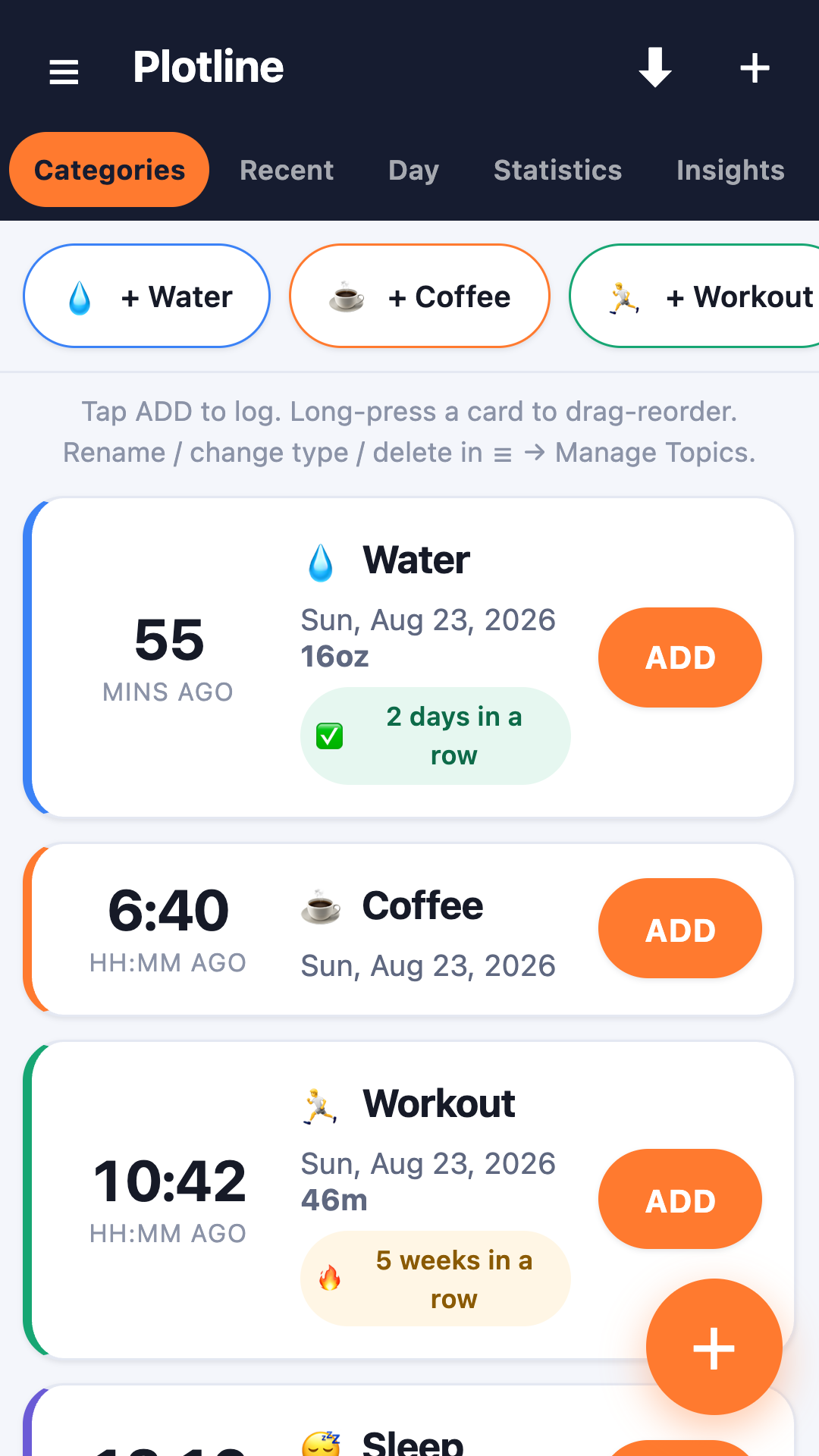
Start from a preset — symptoms, daily habits, fitness — or build your own. Counts, amounts, durations, or a 0–5 severity rating.
One tap logs the moment. Add a note or a #tag if you want. Forgot in the moment? Backdate it later.
Say which topics are outcomes and which might influence them. Plotline handles the statistics and writes up what it finds.
Most apps hand you a chart and let you draw your own conclusions — which is how people end up certain about things that never happened. Plotline is built to report associations with their uncertainty, not to claim that one habit causes another outcome.
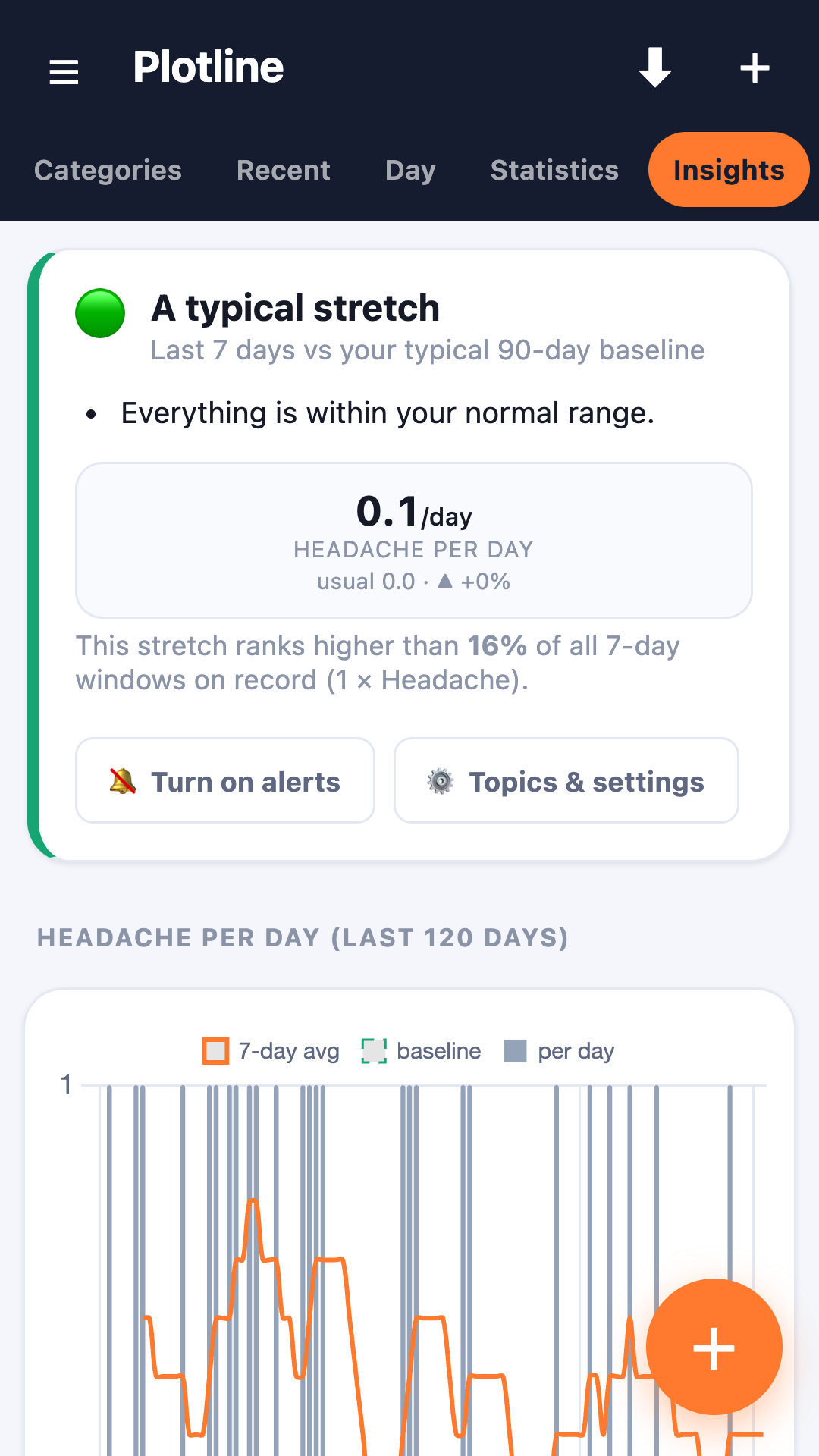
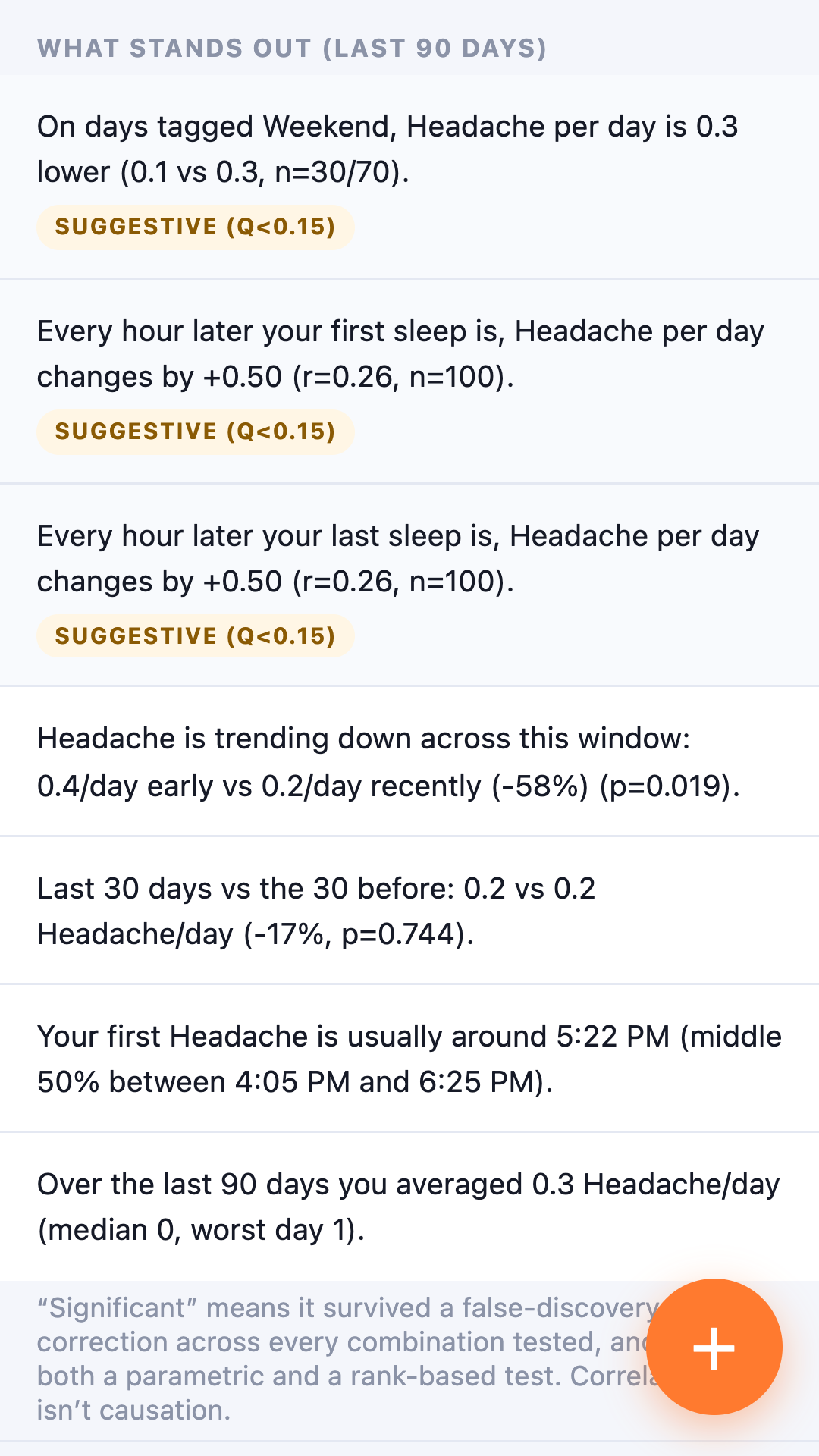
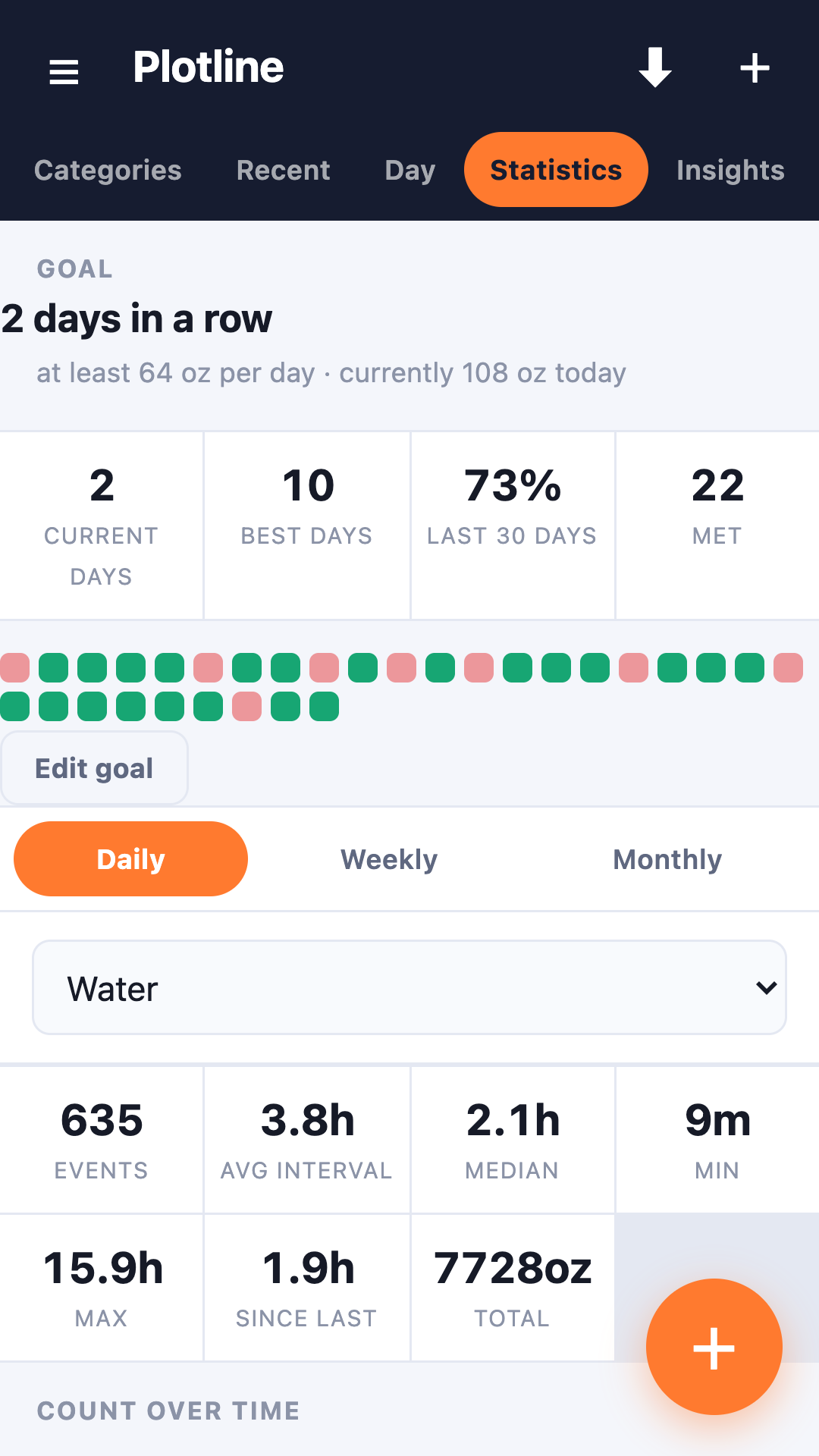
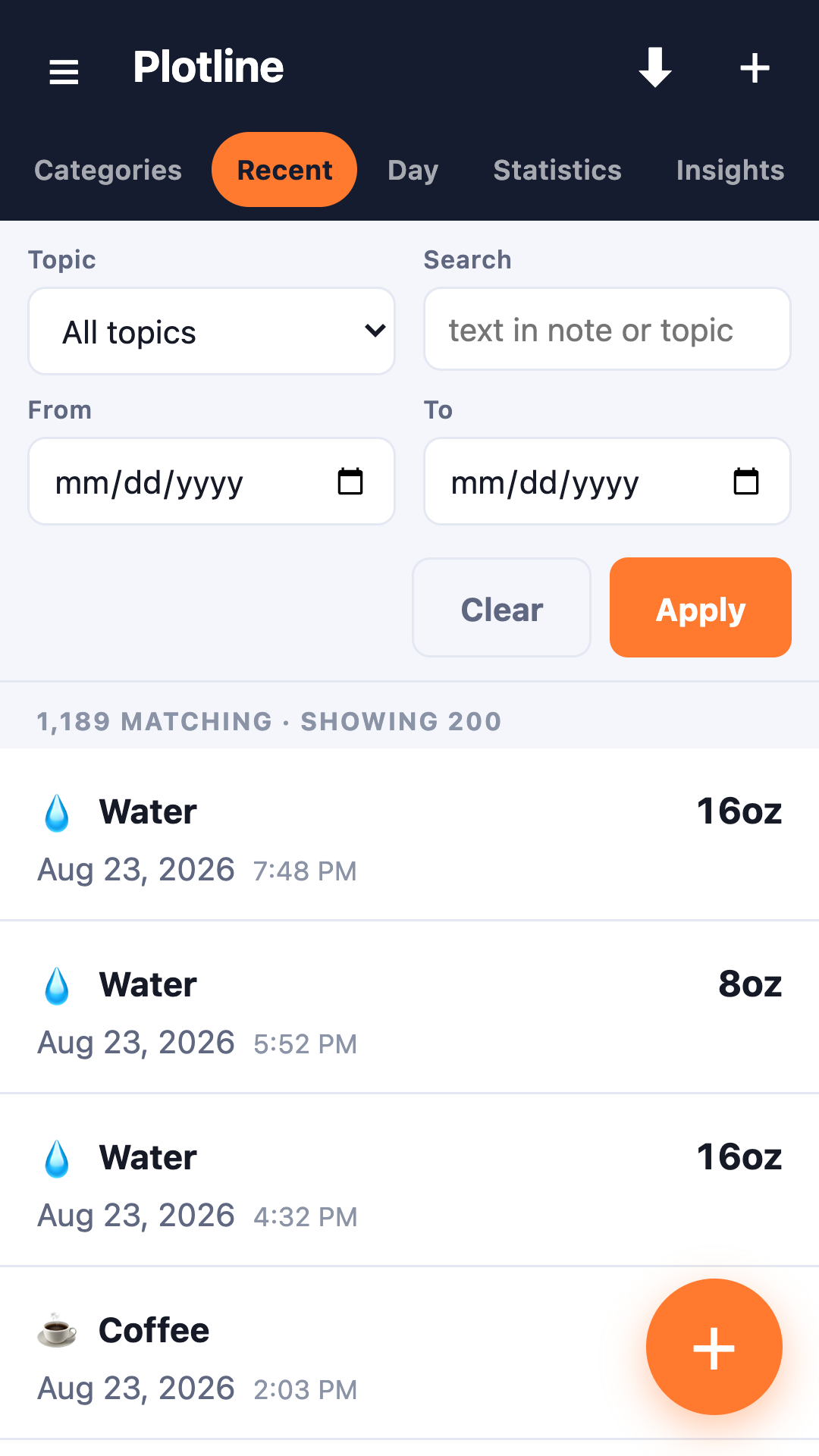
Analysis runs on your device, with no Plotline account or analytics. Records stay local unless you export them or enable backups to your own Google Drive.
Open it and start. Nothing to register, nothing to verify, no email required.
No analytics of any kind — not even the anonymous sort. Nothing is measured about you.
Export the whole history to JSON whenever you like, or sync to your own Google Drive. Optional, and off by default.
The entire app is public. You don't have to take any of this on trust — you can go and read it.